Revoking Access to my MyChart account from a Family Member
The following steps will allow you to revoke access to your MyChart account that you have given to a family member.
 Carum Family Scenario: In the following scenario, Terry Carum will be revoking Tony Carum’s access to her MyChart account.
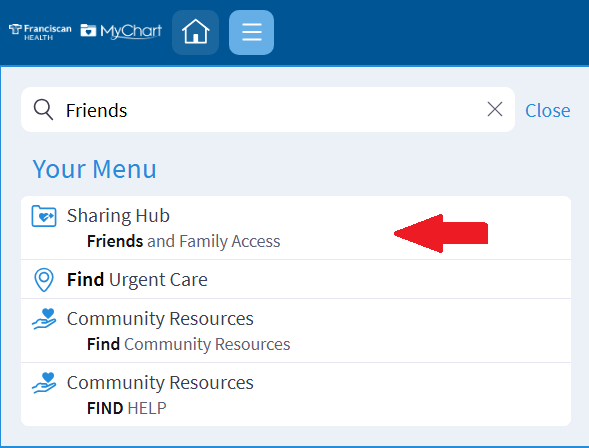
Terry starts by logging into her MyChart account. She selects the menu button and searches for “Friends and Family Access” in the search bar.
Once in the “Sharing Hub”, she scrolls down and selects “Manage friends and family access.”
She locates Tony’s name at the top of the screen under the section that reads, “Who can see my record?”
She then clicks the “Revoke Access” button and is done! Tony no longer has access to Terry’s MyChart account.
-
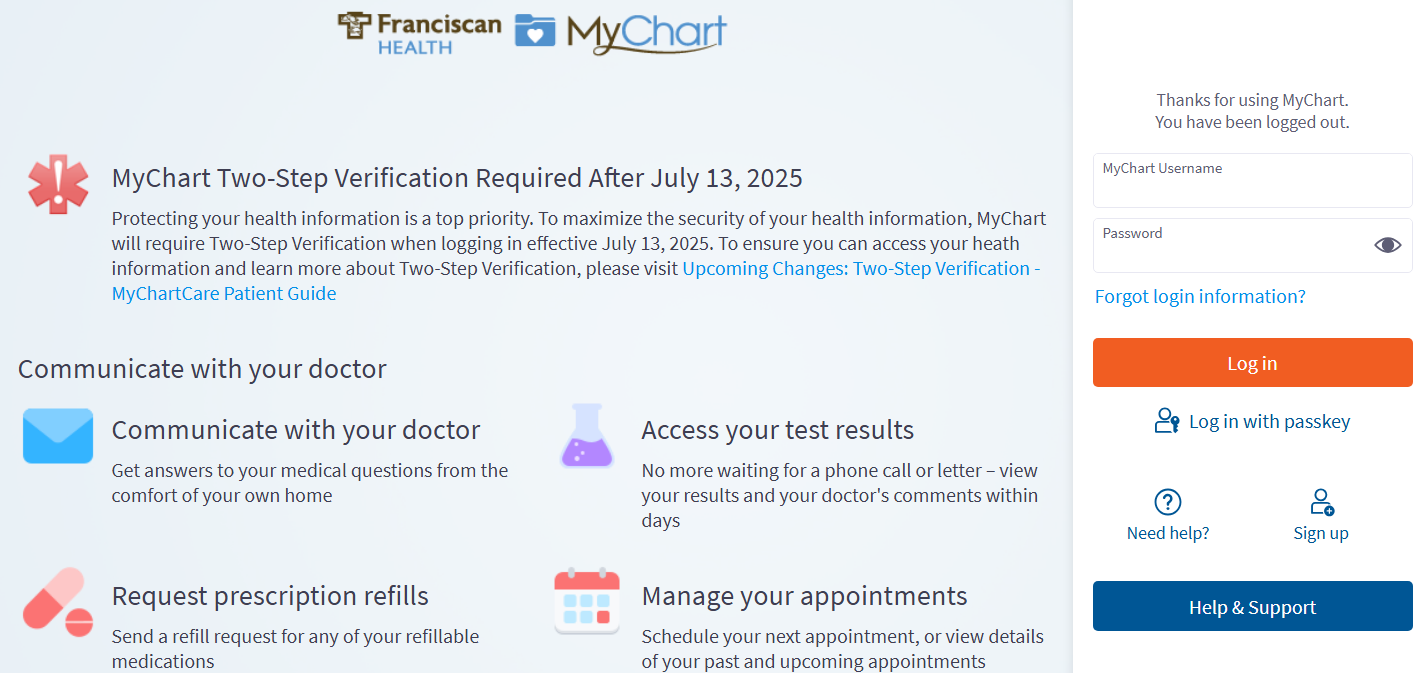
Log into your MyChart account
For more information and instructions on how to log in, please review Log Into MyChart
-
Select “Family Access Settings"
Locate the menu on the left-hand side of the screen. Use the search bar to search for “Friends and Family Access.”
-
Manage Access
Scroll down and select “Manage friends and family access.”

-
Revoke Access
All family members who have access to your MyChart account will be listed at the top of the screen.
Select the name of the proxy you no longer want to have access and click the “Revoke Access” button.
The following steps will allow you to revoke access to your MyChart account that you have given to a family member.
Carum Family Scenario: In the following scenario, Terry Carum will be revoking Tony Carum’s access to her MyChart account.
Terry starts by logging into her MyChart account. She selects the menu button and searches for “Friends and Family Access” in the search bar.
Once in the “Sharing Hub”, she scrolls down and selects “Manage friends and family access.”
She locates Tony’s name at the top of the screen under the section that reads, “Who can see my record?”
She then clicks the “Revoke Access” button and is done! Tony no longer has access to Terry’s MyChart account.
-
Log into your MyChart account
For more information and instructions on how to log in, please review Log Into MyChart
-
Select “Family Access Settings"
Locate the menu on the left-hand side of the screen. Use the search bar to search for “Friends and Family Access.”
-
Manage Access
Scroll down and select “Manage friends and family access.”
-
Revoke Access
All family members who have access to your MyChart account will be listed at the top of the screen.
Select the name of the proxy you no longer want to have access and click the “Revoke Access” button.
Related Topics
There are currently no related topics.