Pay Using Google Pay
Franciscan Health and its affiliates are now able to accept Google Pay as payment option in MyChart. Follow the steps to learn how.
-
Log into MyChart
For more information and instructions on how to log in, please review Log Into MyChart
-
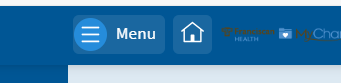
Access the Menu activity from the toolbar
-
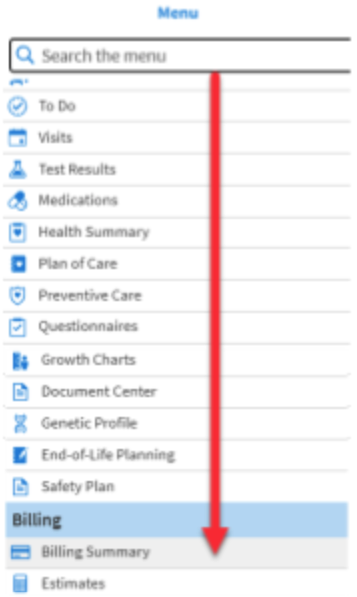
Navigate down to select Billing Summary
-
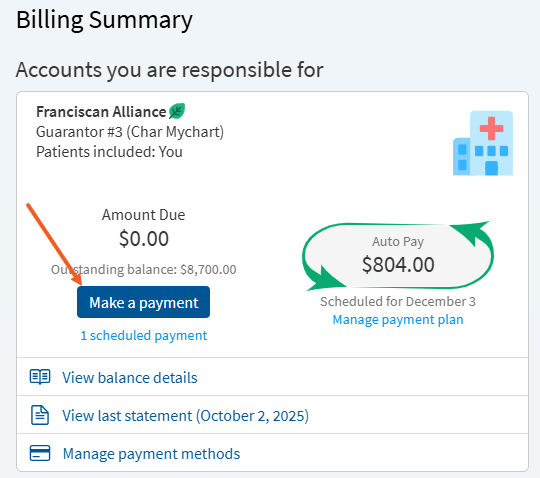
Select Make a Payment
-
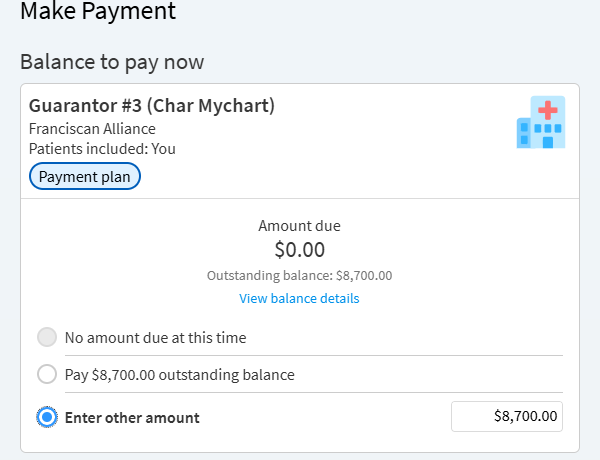
Select or Enter the amount of your payment
-
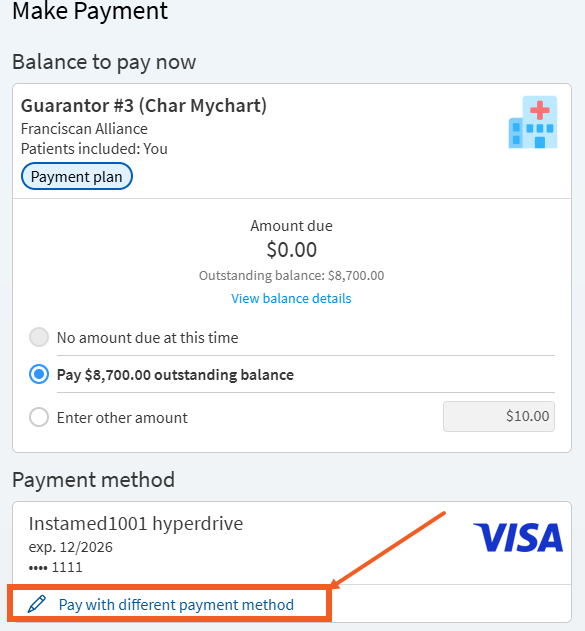
Select Pay with a different payment method
-
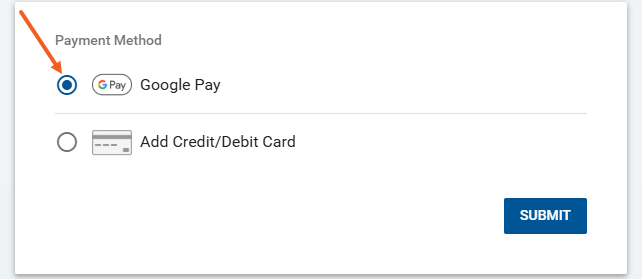
Select New payment method and proceed with Google Pay option.
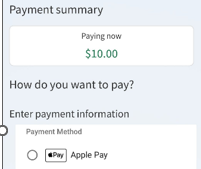
Payments made on an android device or computer will see the Google Pay option.
-
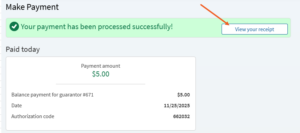
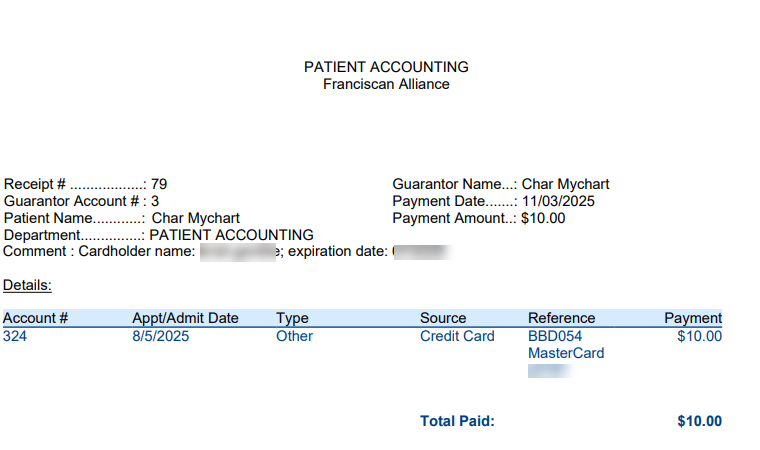
Once your payment processes a receipt will be available to view
-
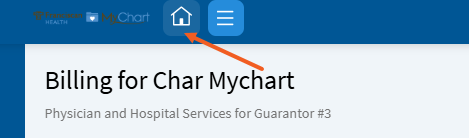
Return to the home page by selecting the Home icon
Franciscan Health and its affiliates are now able to accept Google Pay as payment option in MyChart. Follow the steps to learn how.
-
Log into MyChart
For more information and instructions on how to log in, please review Log Into MyChart
-
Access the Menu activity from the toolbar
-
Navigate down to select Billing Summary
-
Select Make a Payment
-
Select or Enter the amount of your payment
-
Select Pay with a different payment method
-
Select New payment method and proceed with Google Pay option.
Payments made on an android device or computer will see the Google Pay option.
-
Once your payment processes a receipt will be available to view
-
Return to the home page by selecting the Home icon